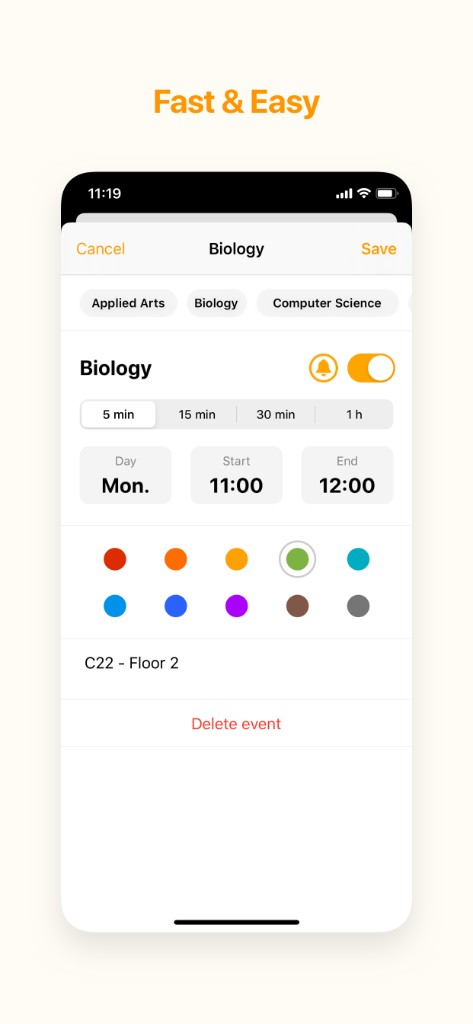
Fast & easy editing
Add or adjust events in a few taps: day, times, notes, reminders, and colors — so each block matches how you think about your week.
With My Timetable, build a clear, color-coded schedule you actually enjoy looking at. Perfect for classes, shifts, appointments, and everything in between — on iPhone and iPad.
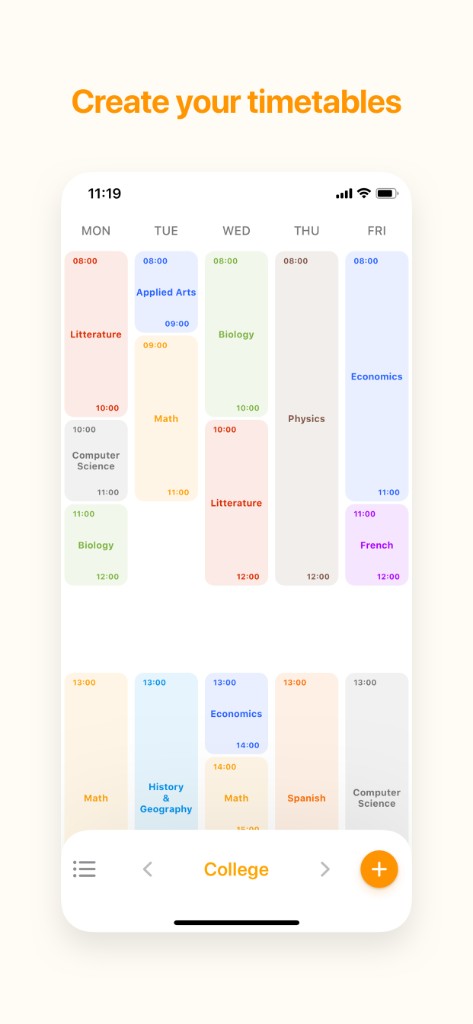
Everything you need to see what’s next — without clutter.
Add or adjust events in a few taps: day, times, notes, reminders, and colors — so each block matches how you think about your week.
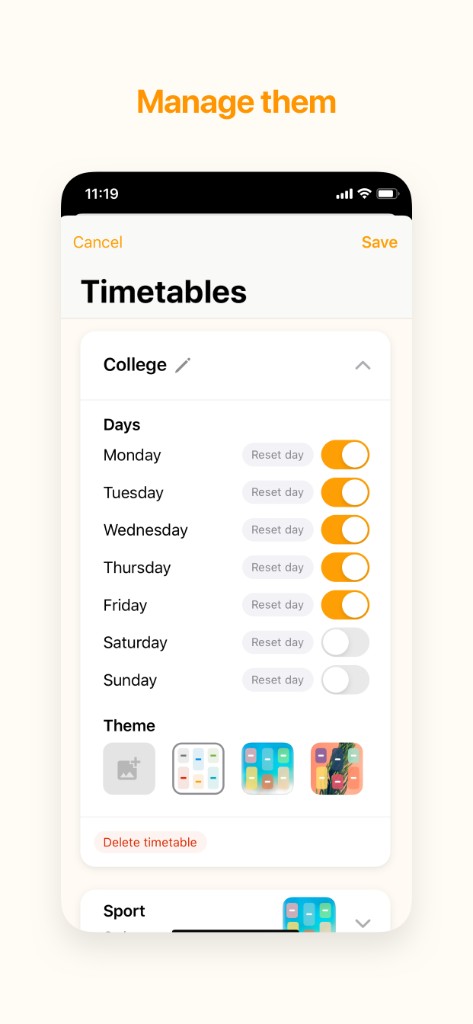
Switch between schedules — school, work, clubs — and choose which days appear. Reset a day in one go when the term changes.
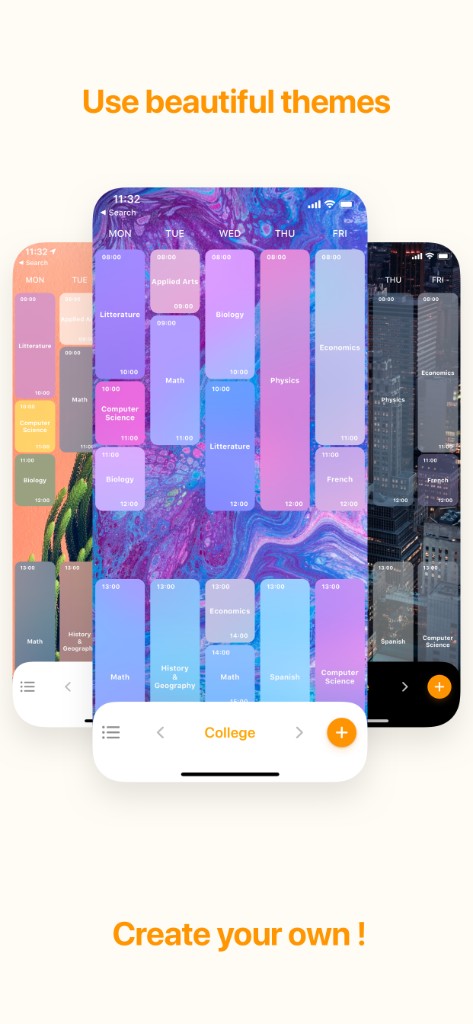
Make your planner feel like yours. Pick from curated themes or add your own look so your timetable stays readable and personal — including options that shine on different backgrounds.
Join thousands of students and professionals who use My Timetable to stay on top of classes, shifts, and plans — with widgets and reminders when you need them.
Get My Timetable